

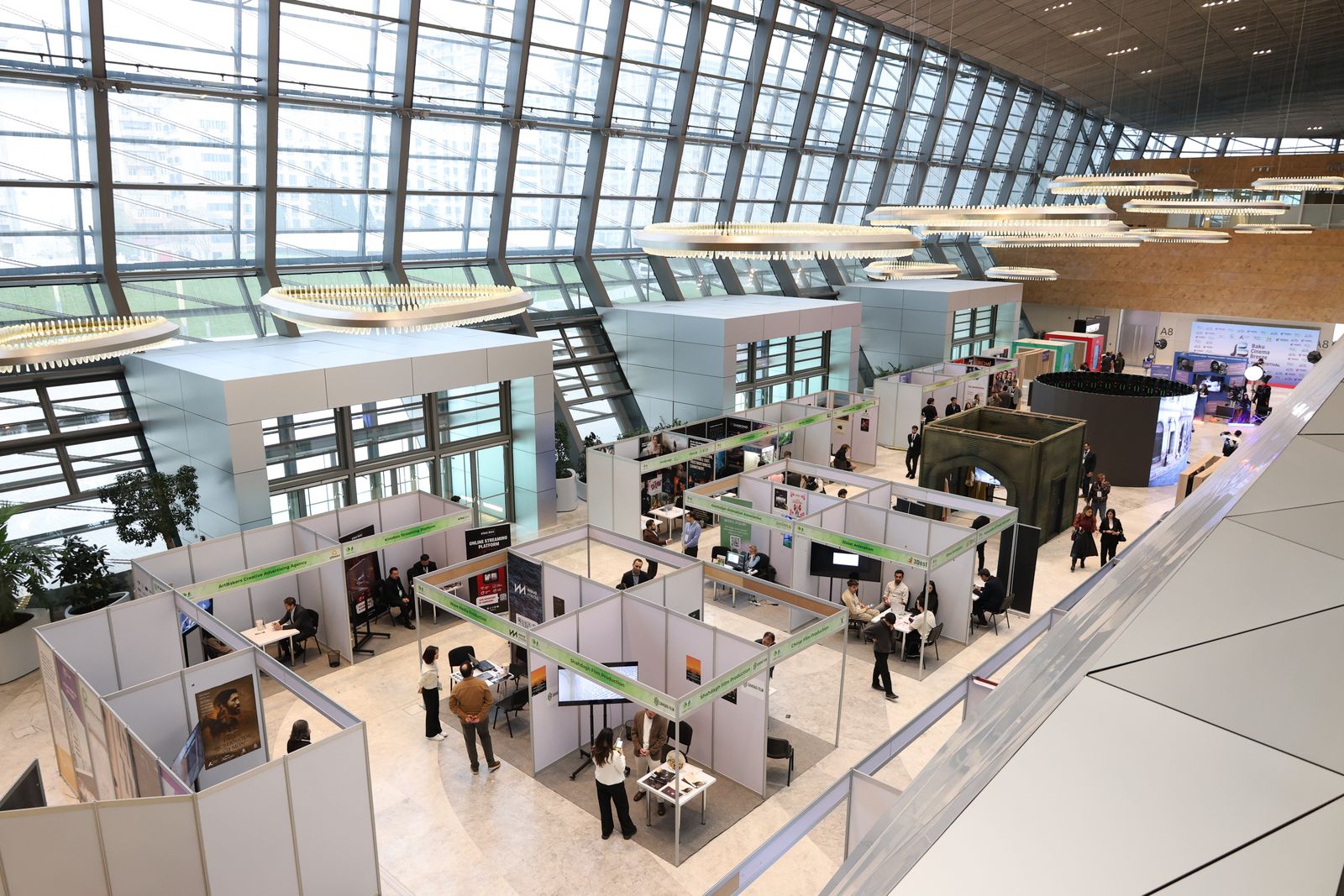
Plan, design and measure your next booth with AI
How to use AI to plan, design, render and measure your booth, from the first brief to the follow-up email. Includes a free brief builder, an ROI calculator and floor plans for every booth size.
Quick answer
What is AI trade show booth design?
AI trade show booth design means using AI tools to research the show, write the brief, explore concepts, produce renders and graphics, score leads and measure results. AI speeds up ideas and paperwork. An exhibit designer still turns the chosen concept into a booth that fits your space, meets show rules and can be built on budget.
- Brief first, prompt secondA clear brief gets better results from AI and from your exhibit house.
- AI is fast, not on siteIt doesn’t know your hall’s height limit, fire code or freight costs.
- The biggest win comes after the showScored leads and same-day personal follow-up.
- Pair AI with buildersConcepts become real through a 3D model, print-ready graphics and a real quote.
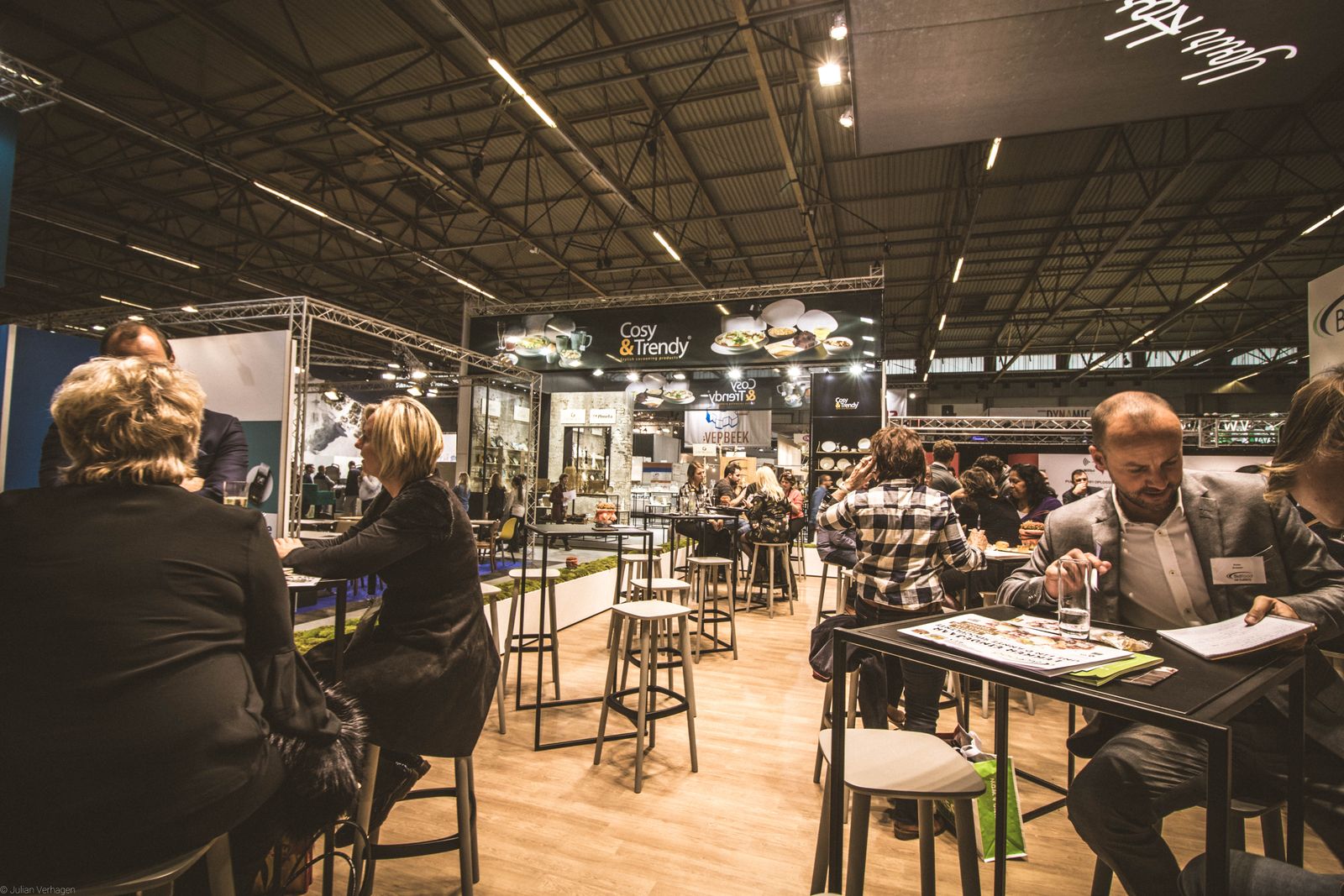
Photos: Pexels (Julian Verhagen and others), free for commercial use.
Section 1
Can AI design a trade show booth?
Partly. An image generator can show you a striking booth in ten seconds. Look closer and you’ll often see a 30-foot arch with no supports, a hanging sign over an inline booth where the show doesn’t allow one, and a layout no visitor could walk through.
Think of AI as a very fast junior designer who has never been on a show floor. It’s excellent at producing options and handling the writing. Turning a picture into a booth that ships, installs on time and passes the show’s rules still takes people who build booths. That is the work our custom exhibit design and booth fabrication teams do every week.
| Task | Use AI? | Why |
|---|---|---|
| Show, exhibitor and audience research | Yes | Summarizes exhibitor lists, session agendas and press coverage in minutes. |
| Mood boards and concept directions | Yes | Your team reacts to twenty directions instead of two. |
| Headlines, graphic copy, staff scripts | Yes | Fast first drafts that you edit against your brand voice. |
| Photoreal renders of a 3D model | Yes | Approvals in days because everyone sees the real booth. |
| Print-ready fabric graphics | With a designer | Needs resolution, color profiles, bleed and a license check. |
| Structure and engineering | No | Needs real dimensions, loads, materials and show rules. |
| Budget and quote | No | Freight, drayage, labor and electrical vary by city and venue. |
| Lead notes, scoring and follow-up | Yes | The biggest ROI gain: faster, more personal follow-up. |
Section 2
7 stages where AI fits in your exhibit program
Most advice stops at “use AI for concepts.” Concepts are one of the smaller wins. Here is the full exhibit cycle in order, with what AI does at each stage.
- 1
Show and audience research
90–80 days out
Paste in the exhibitor list, floor plan notes and conference agenda. Ask which competitors are on the floor, which sessions your buyers attend and which themes keep coming up. You’ll pick a better booth location and a sharper message.
Tools: ChatGPT, Claude, Gemini, Perplexity
- 2
The brief
85–75 days out
Let AI interview sales, product and marketing one question at a time, then merge the answers into a one-page brief everyone signs. Use the brief builder below.
Tools: any chat assistant, shared doc
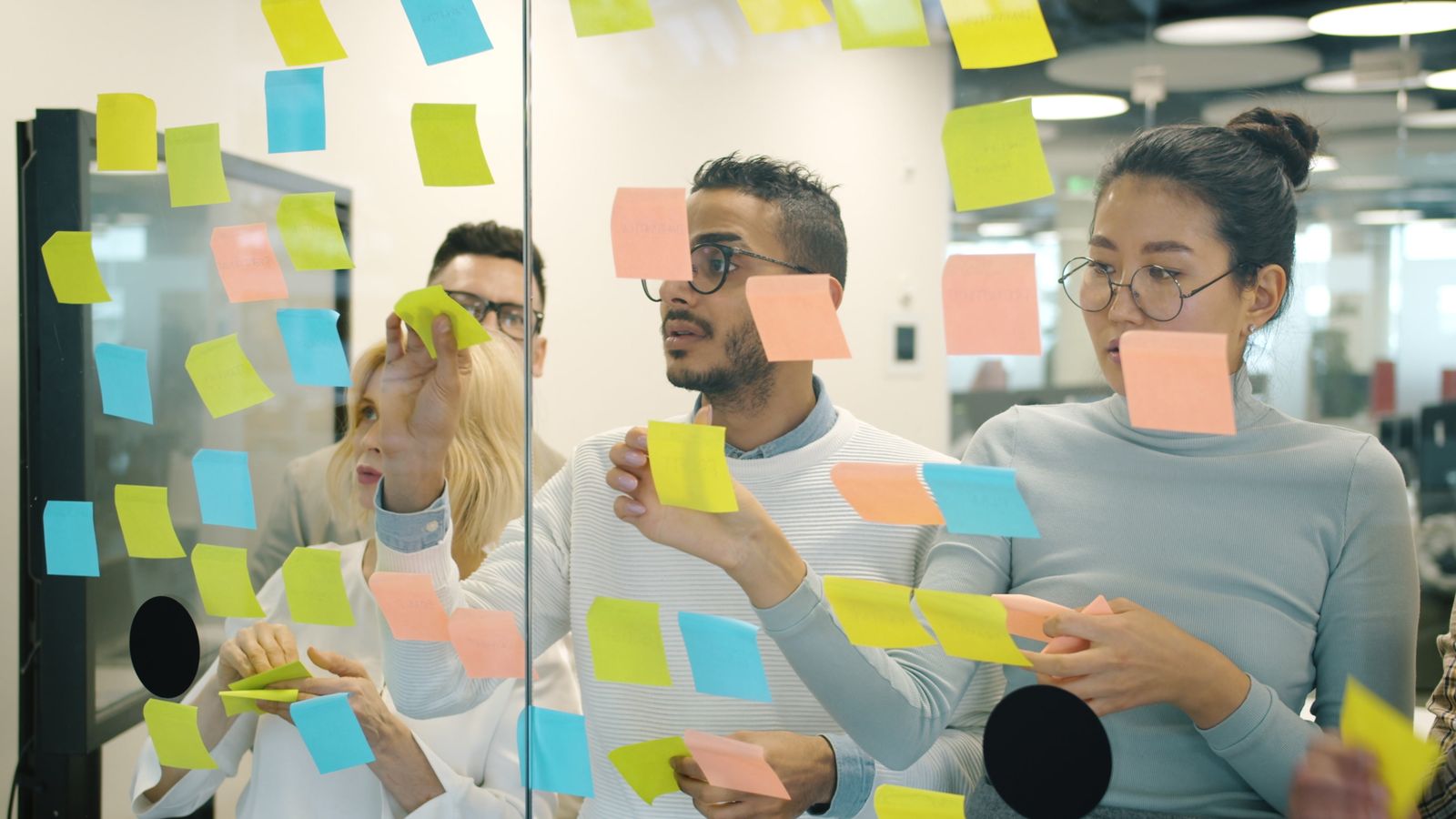
One brief, everyone signs - 3
Concept exploration
75–65 days out
Generate mood boards for materials, lighting, open vs. enclosed, demo-led vs. meeting-led. Choose one direction and hand it to a designer. Trying to polish an AI image into a final booth costs more time than it saves.
Tools: Adobe Firefly, Midjourney, ChatGPT images
- 4
Buildable 3D model and renders
65–50 days out
The idea meets reality: real footprint, wall heights, sightlines, storage, counter heights, accessibility, power and the hall’s rules. AI rendering then turns the model into photoreal views from the aisle.
Tools: SketchUp or similar CAD, AI render engines
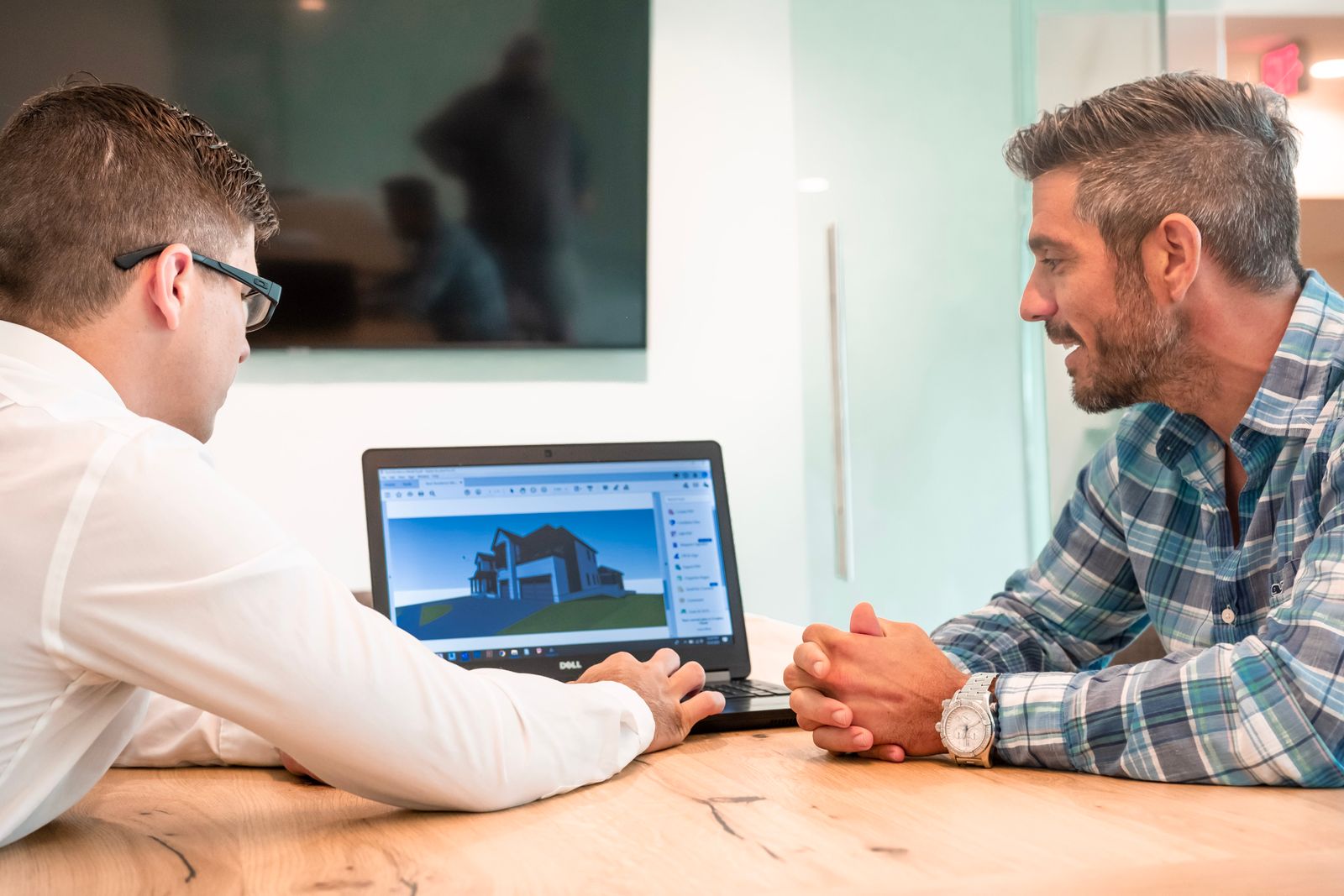
See it in 3D before it’s built - 5
Graphics and brand matching
50–35 days out
AI helps write headlines, resize layouts for each wall and flag colors that drift from your brand guide. A designer handles prepress: resolution for SEG fabric, color profile, bleed and the final proof before exhibit graphics printing.
Tools: Adobe Express or Illustrator with AI features
- 6
Lead capture at the show
Show days
After each conversation, staff record a quick voice note. AI transcribes it, tags interests and scores fit, so hot leads get a call the same day.
Tools: lead-retrieval apps with AI notes, your CRM
- 7
Follow-up and analysis
0–14 days after
AI drafts a personal email for every lead from their own notes and summarizes the show for leadership: top questions, best demo, gaps in staff answers. That summary becomes next show’s brief.
Tools: chat assistant, CRM reports
Section 3 · Free tool
Free AI booth brief builder
A prompt tells AI what to draw. A brief tells everyone what the booth must achieve. Fill in the fields and copy the result into ChatGPT, Claude or any AI tool. Send the same text to your exhibit partner.
Your prompt
Tip: ask the AI for 4 directions, then send your favorite to a designer.
Section 4
Weak vs. strong booth prompts
What you get from AI depends on what you give it. Here is the same request written two ways.
Weak prompt
Design a modern trade show booth for a tile company.
No size, no goal, no audience, no limits. You’ll get a pretty picture nobody can build.
Strong prompt
Create 4 mood-board concepts for a 20x20 island booth for a premium porcelain tile maker at a flooring show.
Goal: book meetings with architects and large distributors.
Include: large tile display wall, 2 demo counters, small enclosed meeting room, storage.
Height limit 16 ft. Open on all four sides.
Brand: warm neutrals, deep green accent, no neon.
Show each from a 3/4 aisle view at eye level with people for scale.
For each concept, list the visitor path, the main sightline and one risk.
Size, goal, audience, must-haves, limits, brand and a request for reasoning.
The prompt most teams forget: after the show
Post-show prompt
Here are our lead notes from the show. Group them by topic, list the 10 questions visitors asked most, flag leads that mention a project in the next 6 months, and write a short, personal follow-up email for each flagged lead using their own words.
Use an AI tool your company approves for customer data, and never paste lead lists into a tool that trains on your inputs.
Section 5 · Interactive
AI booth plans by booth size
What AI is good for changes with the size of your space. Pick a booth size to see a sample layout and where AI helps most.
10×10: win the three-second glance
The back-wall headline does most of the work. Visitors decide in a few steps whether to stop.
- Use AI for: 30 headline options, then test the top 3 with real customers.
- Use AI for: pre-show invites to book booth meetings in advance.
- Watch out: AI concepts that ignore the 8 ft back-wall limit and the sightline rules for your neighbors.
10×20: two jobs, two zones
Enough room to separate a hands-on demo from sit-down conversations.
- Use AI for: comparing layout options, such as where the monitor, counter and storage go.
- Use AI for: staff scripts for moving visitors from the demo to a conversation.
- Watch out: clutter. AI tends to add more than fits in 200 square feet.
20×20 island: four front doors
Visitors arrive from every aisle, so every side needs a reason to step in.
- Use AI for: mapping visitor paths from all four aisles and testing hanging-sign ideas.
- Use AI for: planning the meeting schedule and staff rotation.
- Watch out: hanging-sign rigging rules and height limits change from hall to hall.
Section 6
AI experiences inside the booth that work
“We have AI” is no longer a reason to visit a booth. An AI experience works when it gives the visitor something useful in under two minutes and gives you a qualified lead.
Product finder
The visitor describes their project and gets a matched product list by email. You get the lead and their requirements.
Live configurator
Show the visitor’s own space, color or layout with your product in it, then send the image home with them.
Technical answer kiosk
Trained on your spec sheets, so engineers get answers while your sales team is busy with other visitors.
Instant visit summary
A one-page recap of what they saw and asked, in their inbox before they reach the next aisle.
Before you build one: order a hardwired internet line because hall Wi-Fi is often slow; prepare an offline fallback; get clear consent before capturing faces or voices; and keep a staff member nearby for when the AI gets something wrong. Our interactive content and software and trade show AV teams can build and run these experiences for you.
Section 7 · Free tool
Trade show ROI calculator
Foot traffic and dwell time look good in a report but rarely answer the question your CFO asks: was the show worth it? Enter your own numbers to see cost per qualified lead and expected return. The fields start with example values. Not sure what your show will cost? Start with our booth cost calculator.
The 5 numbers worth tracking
| Metric | How to calculate | What AI adds |
|---|---|---|
| Cost per qualified lead | Total show cost ÷ leads that meet your criteria | Consistent scoring from conversation notes |
| Meetings booked | Meetings held at the show or within 2 weeks | Same-day follow-up drafts lead to more meetings |
| Pipeline influenced | Open opportunities with a show touchpoint | Matches badge scans to CRM accounts |
| Revenue return | Closed revenue from show leads ÷ total cost | Tracks leads through a 6–12 month sales cycle |
| What you learned | Top visitor questions and objections | Turns hundreds of notes into a few themes |
After every show, change one specific thing you can test at the next one: a demo flow, a headline or a staff handoff. That’s how a booth program gets better each year.
Section 8
6 mistakes that make AI booths fail
- Falling for an image that can’t be builtGet a feasibility check before the picture reaches your CEO.
- Ignoring show rulesHeight limits, hanging signs, neighbor sightlines and fire codes change by show and hall. Read the exhibitor manual.
- Letting the brand driftAI “improves” logos and colors. Check every graphic against your brand guide.
- Printing images you don’t have rights toUse tools whose license allows commercial use, and never copy another brand’s design or a real person’s face.
- Low-resolution graphicsA 10-foot fabric wall needs far more pixels than a social post. Plan for upscaling and prepress.
- Careless lead dataBadge scans and voice notes are personal data. Follow your privacy policy and only use approved tools.
Section 9
A 90-day AI booth timeline
AI shortens the early weeks. Production, printing and freight keep their normal lead times, so the calendar still matters.
| Phase | Days before show | AI’s job |
|---|---|---|
| Brief and space | 90 → 75 | Show research, brief interview, competitor scan |
| Concepts | 75 → 60 | Mood boards, headline options |
| 3D, renders, quote | 60 → 45 | Photoreal renders for fast sign-off |
| Graphics and production | 45 → 30 | Copy checks, layout resizing, order lists |
| Staff and outreach | 30 → 7 | Staff scripts, role-play, personal invites |
| Show and follow-up | Show → +14 | Voice notes, lead scoring, follow-up emails |
Check your exhibitor manual for discount deadlines on show services such as electrical, internet and material handling. They often fall several weeks before move-in, and late orders can cost much more. Our show coordination team tracks these deadlines for you.
Section 10
How Purple Exhibits uses AI, and where people stay in charge
We use AI where it makes your booth better and faster. Our designers and builders handle everything that has to work on the show floor.
- BriefWe turn your goals into a design plan with you.
- 3D modelBuilt to your real size and the hall’s rules.
- SEG artworkAI-assisted, then checked for brand and print.
- RendersPhotoreal views from the aisle.
- Client deckReady to share for fast approval.
- Build and installOur crew on the show floor.
AI-assisted stepLed by our team
Purple Exhibits by the numbers
Built for exhibitors who need it right the first time
- Booths built
- 10,000+
- Exhibitors served
- 3,000+
- Client rating
- 4.9 ★
- Clients who return
- 95%
- Approval to show-ready
- 30–45 days
- On-site support
- 24 hours, every show
See real projects in our case studies and gallery, read what clients say on our Wall of Love, or walk through our process.
Section 11
Trade show glossary
Terms you’ll see in exhibitor manuals and booth quotes. For more, see our full trade show glossary.
- Inline booth
- A booth in a straight row with neighbors on both sides and one open side to the aisle. Usually 10×10 or 10×20.
- Peninsula booth
- Open on three sides, with a back wall shared with the booths behind it.
- Island booth
- Open on all four sides, usually 20×20 or larger. Allows taller structures and hanging signs.
- SEG graphics
- Silicone edge graphics: printed fabric with a silicone strip sewn on the edge that presses into an aluminum frame.
- Drayage
- Also called material handling. The fee to move your freight from the dock to your booth and to store empty crates.
- I&D
- Installation and dismantle. The labor to set up and take down your booth.
- Hanging sign
- A sign rigged from the hall ceiling above an island booth so visitors can find you from far away.
- Lead retrieval
- The app or scanner that captures attendee badge data. Newer ones add voice notes and AI lead scoring.
- Exhibitor manual
- The show’s rulebook, with height limits, deadlines, order forms and fire rules.
- Rendering
- A photoreal image made from a 3D model so you can see the booth before it’s built.
Section 12
Frequently asked questions
Can AI design a trade show booth?
AI can produce concept images and ideas in minutes, but it does not know your booth size, the hall’s height limit, fire codes, rigging rules, materials or budget. Use AI to explore directions, then have an exhibit designer turn the chosen idea into a buildable 3D model with a real quote.
What AI tools are useful for trade show planning?
Chat assistants such as ChatGPT, Claude or Gemini for briefs, research, copy and staff scripts; image tools such as Adobe Firefly or Midjourney for mood boards; AI rendering on top of a 3D model; and lead-capture apps with voice notes and lead scoring that sync to your CRM.
Can I print AI-generated images on booth graphics?
Only when the tool’s license allows commercial use and the image does not copy another company’s trademark, artwork or a real person’s likeness. Large-format fabric graphics also need enough resolution, the right color profile and bleed, so AI images usually need upscaling and prepress before printing.
How does AI improve trade show ROI?
Mostly through better targeting before the show and faster qualification and follow-up after it. AI can turn booth conversations into notes, score leads and draft a personal follow-up email for each lead within 24 hours.
Does AI make a trade show booth cheaper?
It saves time in concepting, revisions and approvals. Structure, graphics, freight, drayage, labor and show services cost the same, so the main savings come from deciding faster and avoiding late changes and rush fees.
How far ahead should we plan an AI-assisted booth?
Start about 90 days before the show for a custom or rental booth. AI shortens the concept phase, but production, printing and freight still need their normal lead times, and show-service discounts usually end several weeks before move-in.
What should a trade show booth brief include?
Business goal and target number, priority audiences, the one action each visitor should take, key message, products shown, booth size and type, height limit, required spaces, brand guidelines, total budget, reuse plans and how success will be measured.
Is AI useful for a small 10×10 booth?
Yes. In a 10×10 inline booth the back-wall headline does most of the work, and AI is a fast way to write and test dozens of headline options, plan pre-show outreach and follow up with leads.
Next show coming up?
Send us your brief. See your booth in renders.
Tell us your show, booth size and goals. We’ll turn them into a buildable design with photoreal renders your team can approve.
Keep reading