

HITEC 2027 · June 28–July 1, 2027 · Orange County Convention Center, Orlando
HITEC 2027 booth design & build in Orlando
Custom and rental exhibits for PMS, guest messaging, access, payments and revenue platforms, built around one guest journey a hotel operator can try. Demo counters with clean power and data, a private meeting zone for the 8 a.m. appointment window, and GES orders handled by your Purple project manager.
- June 28–July 1, 2027
- Orange County Convention Center
Every fee on paper upfront, in full, for your HITEC booth. 4.9★ client rating · 3,000+ exhibitors · 10,000+ booths built · Building since 2015
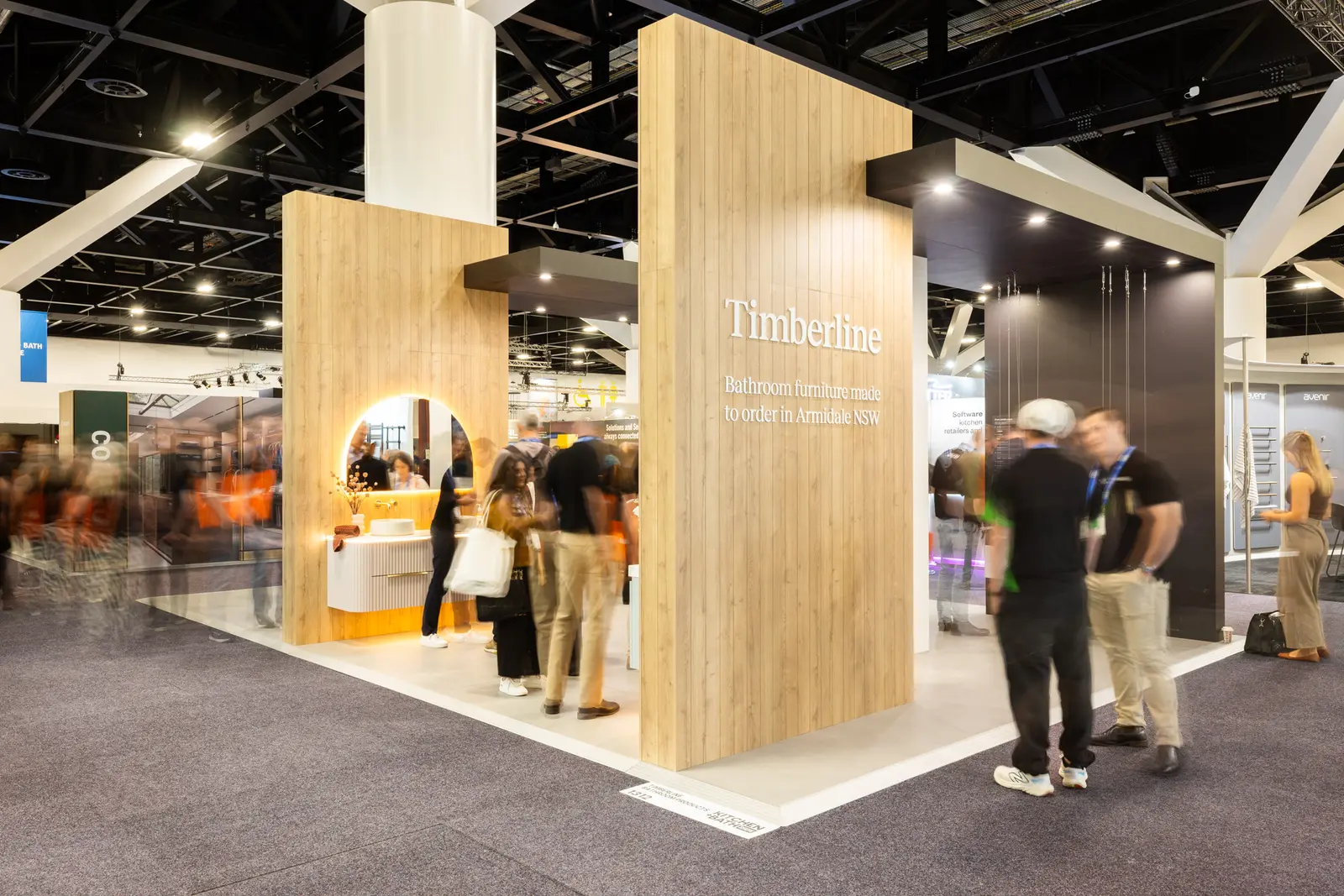
Built by Purple Exhibits for Timberline · island exhibit
01 Purple at HITEC 2027
What makes HITEC different, and how we build for it
HITEC is HFTP's hospitality technology show, and it runs like a buying trip, not a browse. Operators from hotel brands, management companies and casino resorts book vendor time and use the 8 to 10 a.m. private appointment hours on June 30 and July 1 to meet before the aisles fill. The floor sits in the West Concourse of the Orange County Convention Center, Halls C and D, with the Hyatt Regency Orlando attached, so buyers walk in from breakfast without going outside. GES is the show contractor and HFTP accepts Exhibitor Appointed Contractors such as Purple. A booth that wins here gives a walk-up visitor a two-minute guest journey and a scheduled group a quiet table with a specialist.
A demo they can drive themselves, an integration diagram on a second screen and a seated spot where deployment across a portfolio can be discussed.
The operator view of one transaction with sample data, a clear answer on what changes for staff, and a quick handoff to a specialist.
Room-scale touchpoints such as a kiosk, door lock or room control they can test, plus a private meeting zone for scheduled evaluation groups.
Your team in Orlando
Two shops behind your HITEC booth
We fabricate in our own Fishkill, NY shop and our Las Vegas hub, then ship to the Orange County Convention Center, where our own project manager leads the install with vetted local labor. Turnaround is a predictable 30 to 45 days, with pre-show QA and secure storage for your HITEC booth.
At HITEC, your team walks into a booth that is lit and stocked. You just show up.


02 Booths & pricing for HITEC 2027
Popular booth sizes at HITEC
HITEC floors mix 10×10 inlines from newer software vendors with 20×20 and larger islands from the property-management, payments and access brands. Exhibitors here usually choose a 10×20 with two connected demo stations or a 20×20 island with a hanging sign and a closed meeting room for appointments.
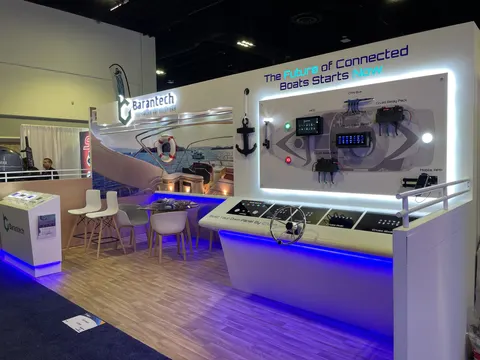
Two connected stations showing the guest view and the operator view of one transaction, with a small meeting table at one end.
Shown: a Purple inline booth for Barantech
See 10×20 rental booths →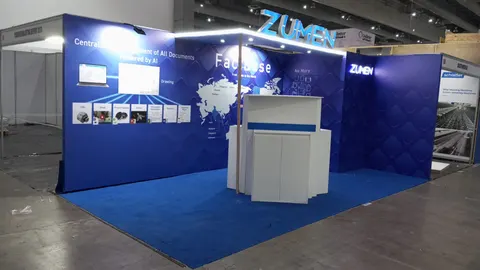
A welcome point sorts the five-minute visitor from the booked property group, a door mockup with a working lock and operator screen takes the middle bay, and an evaluation table holds the far end.
Pictured: Zumen, a Purple inline booth
See 10×30 rental booths →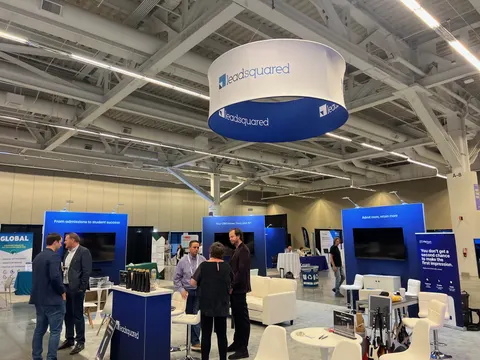
A welcome point, a guest-journey demo with a kiosk or door mockup, a hanging sign and a semi-private meeting zone for booked appointments.
Above: LeadSquared, a Purple island exhibit
See 20×20 rental booths →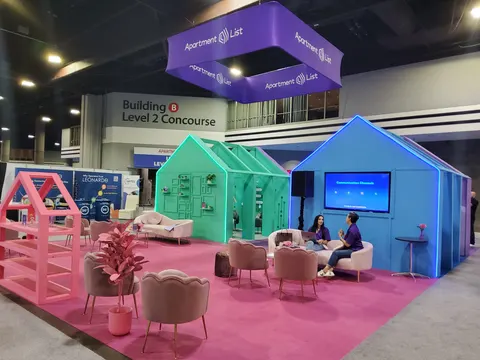
A room vignette with working access and room controls, several demo pods by product line, a closed meeting room and back-of-house storage for devices.
Above: Apartment List, a Purple island exhibit
See 20×30 rental booths →In Purple's HITEC price
- Booth design with a 3D rendering, revised until it is right
- Structure, printed graphics, counters and storage, as specified for HITEC
- Lighting and in-booth power distribution for HITEC
- Our project manager on the floor for installation and dismantle
- Each service order and deadline in the HITEC exhibitor kit, tracked for you
What HITEC and its contractor bill
- Exhibit space (paid to HFTP)
- Material handling at the Orange County Convention Center, when the space rate does not include it
- Electrical, internet and rigging orders for HITEC
- Booth cleaning and whatever union labor the HITEC venue requires
Every one of these is estimated on your proposal, so you see the full HITEC total on paper before you sign.
Ranges shown are all-in 2026 rental prices for design, structure, graphics, installation and dismantle at HITEC; custom builds get their own quote. Get an exact number for HITEC with the booth cost calculator or the 2026 booth cost guide.
Send us your booth size for HITEC and what the space needs to do. Expect a reply within one business day and, usually within a week, a rendering and a fixed proposal for HITEC. No charge.
03 Built by Purple
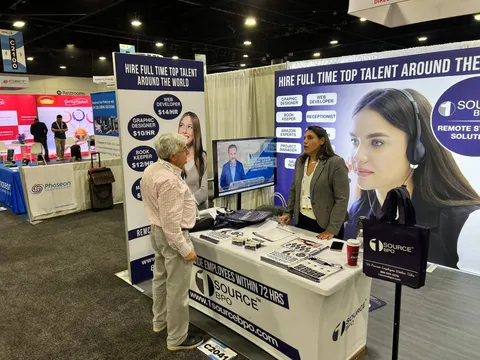
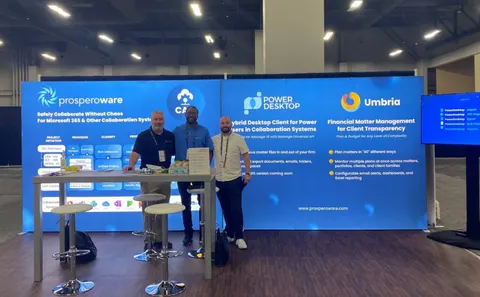
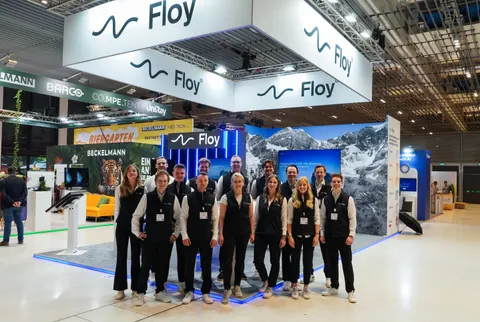
Built by our team: booths to compare for HITEC
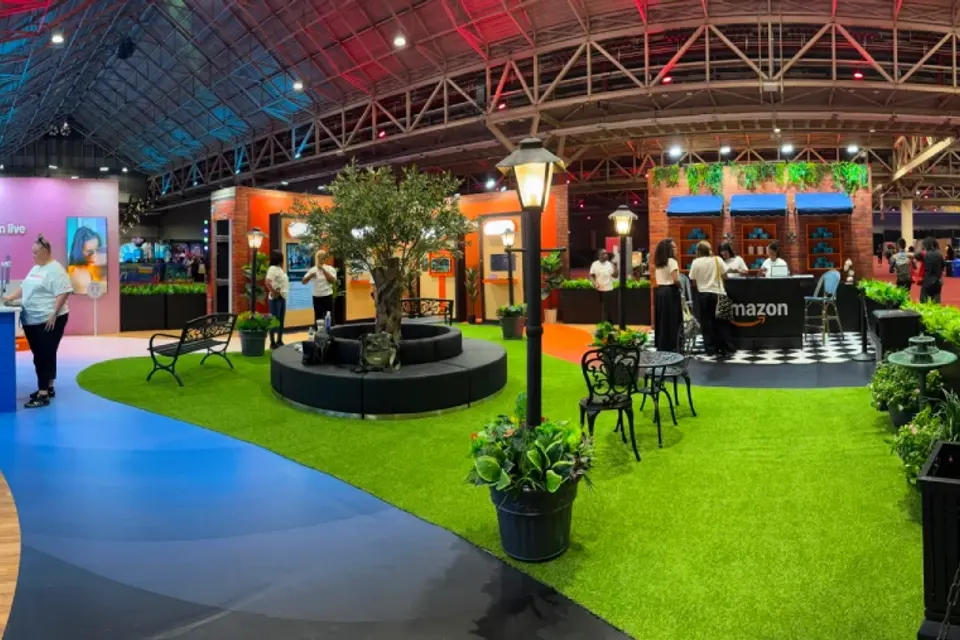
Case study · Amazon
Amazon at ESSENCE Festival of Culture, New Orleans
For Amazon’s first ESSENCE Festival activation, a walk-through environment that welcomed hundreds of thousands of attendees across Prime Video, Amazon Live and Alexa.
Read the Amazon case study All case studies →“From start to finish, their team was professional, responsive, and incredibly easy to work with. They designed and built a beautiful trade show exhibit that exceeded my expectations and helped our company stand out. We received many compliments on our booth.”
Yossi Mouskup, Senior Insurance Broker, IGI Insurance Agency · more Purple client reviews
Trusted by exhibitors including






04 Designing for hospitality technology at HITEC
Four things we get right for HITEC exhibitors
 1
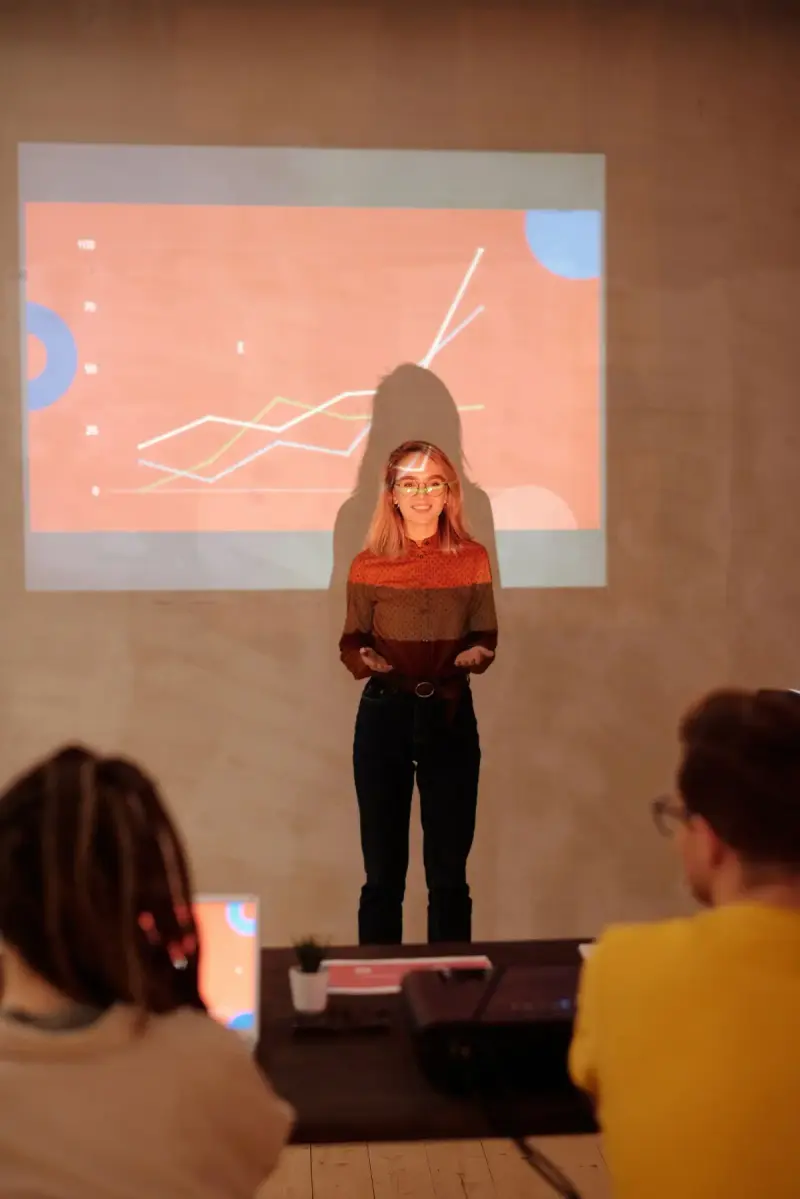
1Demonstrate one hotel moment
We build the booth around one guest scenario with a clear start and result: arrival, room entry, payment. A guest-facing station shows the arrival while a second screen shows what changes for the property team. Your full feature tour stays in the meeting zone.
 2
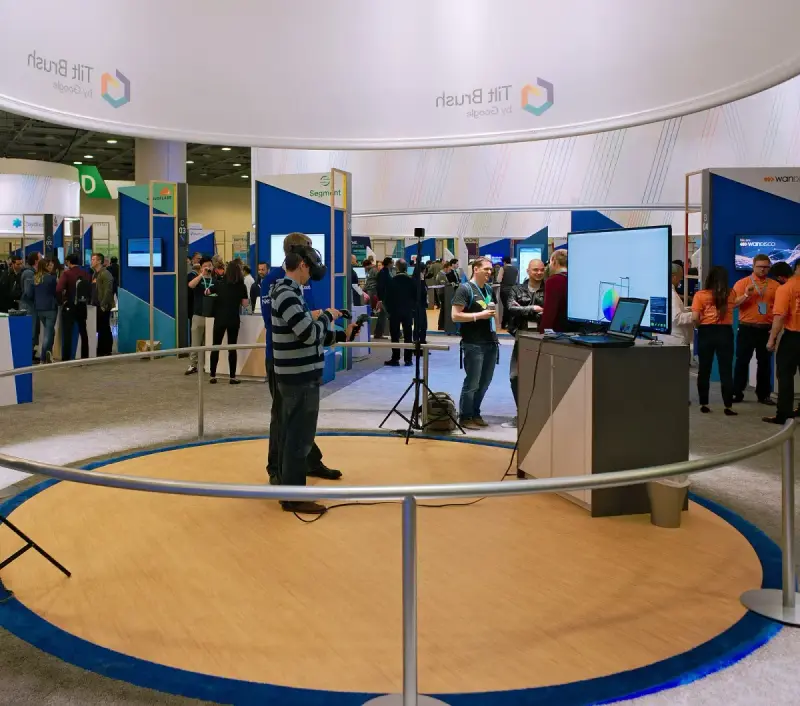
2Physical touchpoints make software tangible
A kiosk position, a door mockup with a working lock or a room control panel lets the operator perform the action and watch the result. We engineer device mounts at comfortable shared heights and keep furniture from hiding the interface.
 3
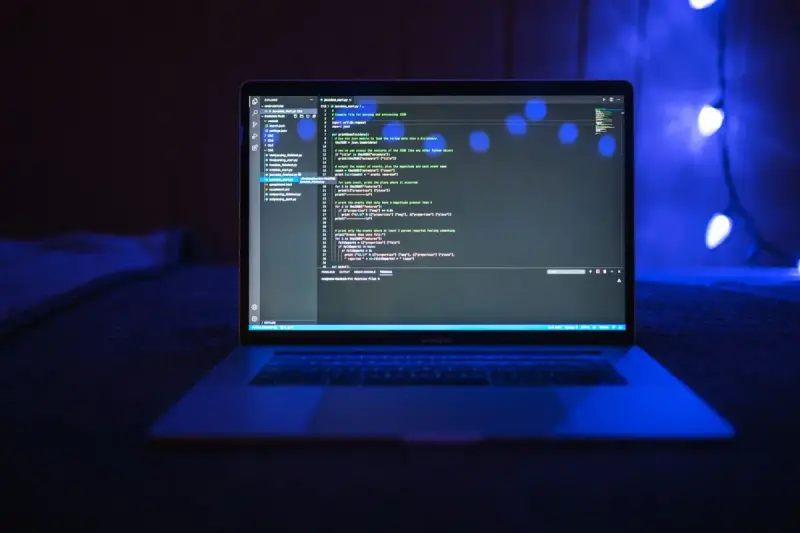
3Power, data and reset scripts
HFTP does not provide exhibit-hall Wi-Fi, so we order hardwired connectivity and power drops from the OCCC and route them cleanly to every station. Each demo account and device gets a reset script so the next visitor starts with a clean journey.
Give appointments their own rhythm
HITEC mixes a visitor with five minutes and a property group arriving for a booked evaluation. We place a welcome point that steers each toward a short demo or a specialist at a table, with a route that never crosses an active demo.

Concept rendering
Your HITEC proposal comes with a rendering like this
See the HITEC booth in 3D first: layout, graphics, lighting and where products sit, revised until it is right and before any panel is cut. Above: a Purple concept for CallHippo.
Start my HITEC concept05 Orange County Convention Center · Orlando
Logistics for HITEC 2027, handled
HITEC uses the West Concourse of the Orange County Convention Center, Halls C and D, with docks off Convention Way behind the building, the Hyatt Regency Orlando attached and the Rosen Centre linked by bridge. The OCCC is non-union, so your own staff may work alongside the install labor your project manager directs, but rigging and electrical are done by OCCC crews only and early-order pricing closes about three weeks out. Nothing on wheels goes through the lobbies. We file as your Exhibitor Appointed Contractor with GES, order power, data and hanging signs from the venue, ship to the GES advance warehouse, install to the 8 a.m. June 29 set deadline and strike after 2 p.m. July 1.
HITEC exhibitors can find this building's hall rules, drayage estimates and freight deadlines in our Orange County Convention Center exhibitor guide.
What Purple handles
- EAC filing with GES and the HITEC exhibitor forms
- OCCC power, hardwired data and hanging-sign orders
- Demo counters and device mounts built for your kiosks, locks and screens
- Freight to the GES advance warehouse and drayage paperwork
- Installation finished by the 8 a.m. June 29 set deadline, run by your project manager
- Dismantle after 2 p.m. July 1 and return shipping
Your HITEC timeline, from move-in back
- Mid-April 2027Design sign-off, device list and connectivity plan locked; EAC forms filed with GES.
- Late April to May 2027Production in Fishkill, NY; demo counters, device mounts and graphics built and proofed.
- Early June 2027Booth ships to the GES advance warehouse in Orlando; OCCC power, data and rigging orders placed before early-order pricing closes.
- June 27–28, 2027Move-in at the West Concourse; your project manager oversees the install and tests every station before the 8 a.m. June 29 deadline.
- June 29–July 1, 2027Exhibit days, including the 8–10 a.m. private appointment windows on June 30 and July 1; a Purple project manager is on call.
- July 1–2, 2027Dismantle from 2 p.m. July 1, devices packed to your return plan, booth to storage or the next show.
Purple's planning timeline for HITEC. Official move-in, freight target and order deadlines for HITEC come from your exhibitor kit and assigned schedule; we confirm them against your booth when you book.
Printable HITEC budget & deadline sheetHITEC exhibitor questions
Questions exhibitors ask us before HITEC
How much does a 20×20 at HITEC cost?
A 20×20 custom island with a hanging sign and a meeting zone runs $50,000 to $120,000 all in for design, structure, graphics and installation; a 20×20 rental lands between $16,000 and $40,000. Working door assemblies, kiosks and extra screens move the number, so send us your device list and we return a fixed quote.
Can you install at the Orange County Convention Center?
We can, and the West Concourse is a hall your Purple project manager works every season. The OCCC is non-union, so we hire the install labor ourselves, file as your Exhibitor Appointed Contractor with GES, and order rigging and electrical from the venue crews who hold those exclusives.
Can we rent a booth for HITEC?
Yes. A 10×20 rental with your graphics and two demo stations runs $7,500 to $15,000, and a custom 10×20 runs $15,000 to $45,000. Most first-time HITEC exhibitors rent the structure and add a custom demo counter, then move to a full custom build once appointments fill.
When do we need to decide?
Design sign-off by mid-April gives a 30–45-day build and an early-June ship to the GES advance warehouse ahead of the June 27 move-in. Later is possible; the trade-off is finish choice and freight cost, and OCCC early-order pricing closes about three weeks before the show.
Do you handle GES orders and drayage?
Yes. We read the HITEC exhibitor kit, file the EAC paperwork with GES, book material handling, ship your booth and devices to the advance warehouse, and order power, hardwired data and hanging signs from the OCCC. You get one schedule with every deadline on it.
Before you sign for HITEC
Five questions to ask any exhibit builder for HITEC:
- Is each fee on the proposal, even the ones the show contractor bills?
- Who actually builds it for HITEC: your shop or a subcontractor?
- Does your project manager stay on the floor through install and dismantle in Orlando?
- For HITEC, what is in the rental and what is billed by the show?
- Where does the booth go after HITEC, and what does storage cost?
Common situations
Already own a booth? Bring it: we refresh the graphics, repair what is worn, ship it, install it at HITEC and store it until the next show. You keep the structure you paid for and bring it to HITEC.
Exhibiting from outside the US? We are your team on the ground in Orlando: freight to the advance warehouse, show-service orders, installation and storage, with one project manager answering your emails in your time zone.
Short on time? With a rental, your graphics can be ready in two to three weeks. We tell you on the first call what is realistic before HITEC.
Get a proposal
Tell us about your HITEC booth
What happens next
- We reply within one business day with questions about your products, goals and HITEC footprint.
- Your HITEC concept rendering and fixed proposal usually arrive within a week. All fees listed upfront, in full, on paper, before HITEC.
- The build takes 30–45 days; we ship to the advance warehouse and install before the hall opens at the Orange County Convention Center.
